
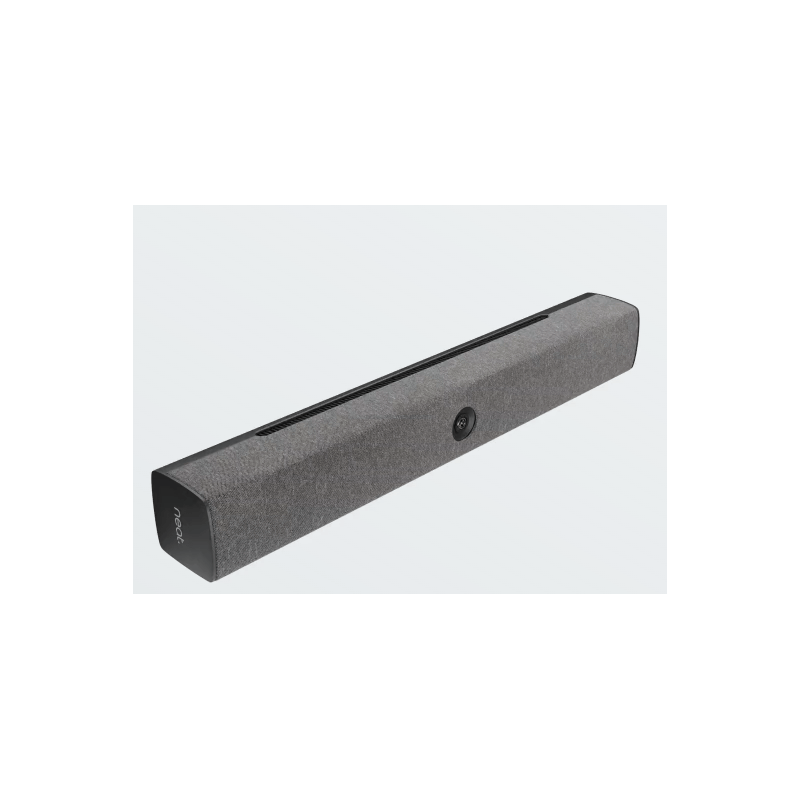

With Neat Bar, you only need to connect a USB-C and HDMI cable to join any video meeting from your laptop. If your room's monitor has a built-in USB hub, you only need to connect a USB-C cable. You can even charge your laptop if it's supported. Add a Neat Pad to your Neat Bar to make audio and video controls accessible to anyone in the room for an even better experience. You can also pair Neat Pad with Neat Center to enhance the audio and video experience for those on the far end. USB-C and HDMI cables are required to use Neat Bar as a BYOD solution, but not included.
 Security policy
(edit with the Customer Reassurance module)
 Delivery policy
(edit with the Customer Reassurance module)
 Return policy
(edit with the Customer Reassurance module)
With Neat Bar, you only need to connect a USB-C and HDMI cable to join any video meeting from your laptop. If your room's monitor has a built-in USB hub, you only need to connect a USB-C cable. You can even charge your laptop if it's supported. Add a Neat Pad to your Neat Bar to make audio and video controls accessible to anyone in the room for an even better experience. You can also pair Neat Pad with Neat Center to enhance the audio and video experience for those on the far end. USB-C and HDMI cables are required to use Neat Bar as a BYOD solution, but not included.
Product information source: Dicker Data Partner Portal.
With Neat Bar, you only need to connect a USB-C and HDMI cable to join any video meeting from your laptop. If your room's monitor has a built-in USB hub, you only need to connect a USB-C cable. You can even charge your laptop if it's supported. Add a Neat Pad to your Neat Bar to make audio and video controls accessible to anyone in the room for an even better experience. You can also pair Neat Pad with Neat Center to enhance the audio and video experience for those on the far end. USB-C and HDMI cables are required to use Neat Bar as a BYOD solution, but not included.